
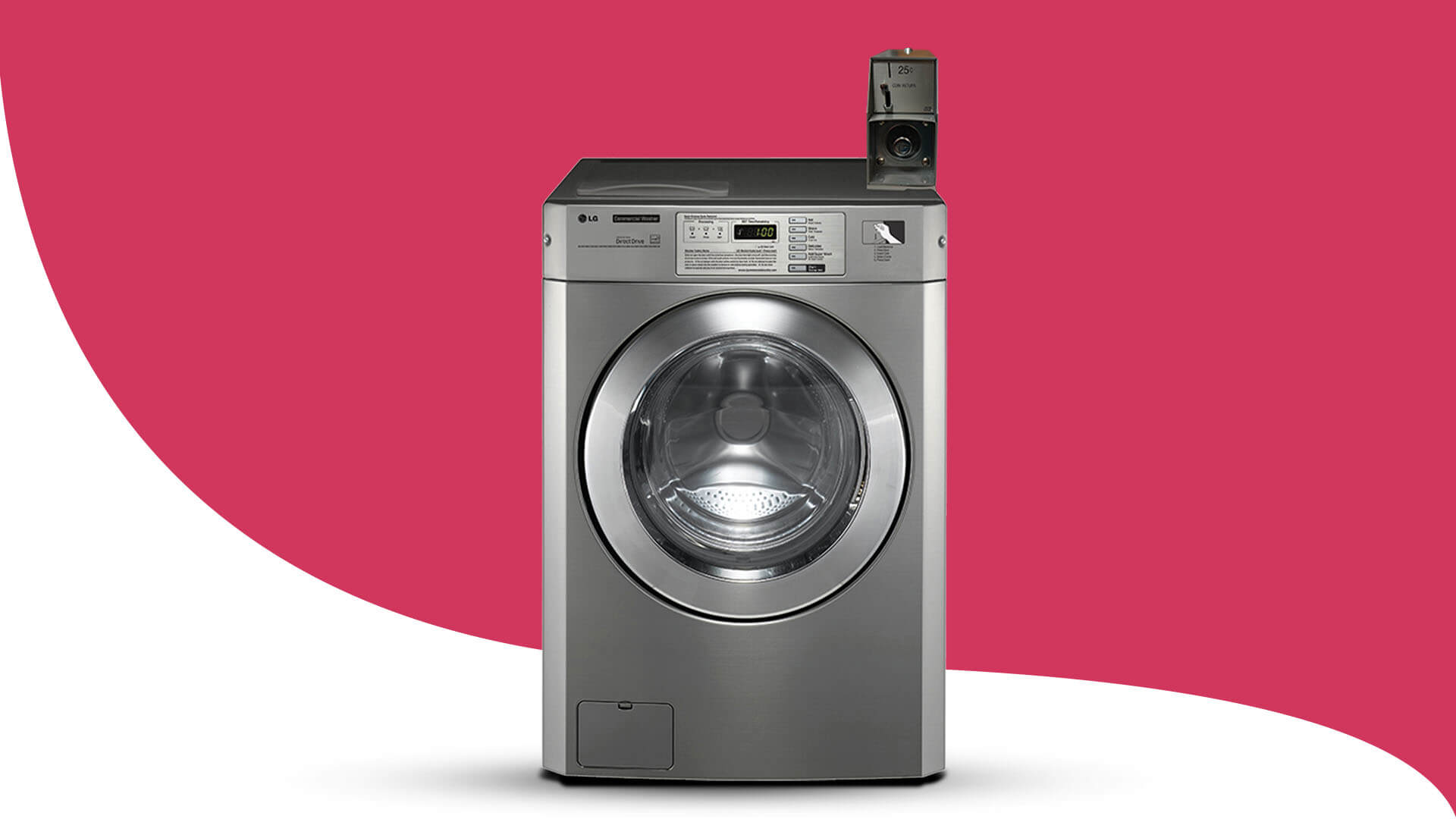
In addressing the LG Washer OE Error Code, understanding its underlying causes and promptly applying effective solutions is paramount to maintaining the uninterrupted functionality of your washing machine. This comprehensive guide is designed to provide an in-depth exploration of what triggers the OE error, offering detailed insights into the various factors that contribute to its occurrence. By carefully examining each potential issue, from drainage obstructions to pump malfunctions, this guide equips you with step-by-step instructions on how to diagnose and resolve error codes efficiently.
 Following these meticulous guidelines ensures that you not only troubleshoot the problem effectively but also prevent future occurrences, thereby minimizing the need for LG washer repairs and extending the lifespan and reliability of your LG washer.
What Does OE Mean on LG Washers?
“OE” on LG washers typically stands for “Outlet Error” or “Drain Error.” This LG Washer OE Code usually appears when the appliance has detected that it has not drained the water within a certain period, such as the following potential factors:
- Clogged Filters: Over time, lint, debris, and other particles can accumulate in the filters of the washing machine, hindering proper water drainage.
- Kinked Hoses: The drain hose, which carries water out of the machine, may become twisted or bent, restricting the flow of water and causing drainage issues.
- Obstruction in the Drain Pump: The drain pump is responsible for pumping water out of the washer. If it becomes clogged or malfunctions due to debris or mechanical issues, water drainage can be severely compromised.
Promptly addressing the OE error is crucial to ensure the washer continues to operate efficiently. Failure to resolve this issue promptly can lead to prolonged wash cycles, water overflow, or potential damage to the washer and surrounding areas. By understanding the common causes behind these errors and taking appropriate action, you can effectively restore proper drainage function to your appliance and prevent future occurrences of the error code.
Diagnostic Steps
The diagnostic steps provided here are crucial for troubleshooting and resolving issues with your LG washer. By following these systematic procedures provided by our experts here at LG Appliance Service, you can effectively identify the root causes of problems and implement appropriate solutions to restore your washer’s optimal functionality. This comprehensive approach aims to streamline maintenance efforts and ensure continued reliability in your laundry routine.
Step 1: Checking for Blockages
-
Inspect the Drain Hose:
When addressing the OE code on the LG washer, the initial step involves a thorough inspection of the drain hose. This critical component plays a pivotal role in facilitating proper water drainage from the washer. To begin diagnosing the LG Washer OE Error Code, start by examining the drain hose thoroughly:
- Ensure Unobstructed Flow: Check the entire length of the drain hose for bends, kinks, or twists that could restrict water flow.
- Inspect Connections: Detach the hose from both the washer and the drainage pipe. Look for any accumulated debris, such as lint, dirt, or small objects, that might be causing a blockage.
-
Examining the Drain Pump Filter:
Proceed by inspecting the drain pump filter, typically located behind a panel on the front of the washer. This component is pivotal in preventing debris from entering the drain pump and causing blockages that lead to the LG Washer OE Error Code.
- Access the Filter: Locate the filter access panel and remove it. You’ll find the filter cap—unscrew it to access the filter itself.
- Clearing Debris: Carefully remove any debris lodged in the filter, such as lint, coins, or hair. Ensure all particles are thoroughly cleared to allow proper water drainage.
Step 2: Verifying Drain Pump Operation
-
Testing the Drain Pump:
A malfunctioning drain pump is a common cause of the OE error. Follow these steps to ensure it’s functioning correctly. Proper functioning of this component is essential for efficient water drainage during wash cycles.
- Manually Rotate the Impeller: Reach into the pump area and manually rotate the drain pump impeller. It should move freely without any obstructions or resistance.
- Listening for Anomalies: While rotating, listen for any grinding or unusual noises. These may indicate a damaged impeller or motor, signaling the need for a replacement.
Step 3: Ensuring Proper Installation
-
Positioning of Drain Hose:
Correctly installing the drain hose is crucial to avoid drainage issues. Ensure it’s securely connected without bends or kinks and positioned to facilitate smooth water flow out of the washer.
- Correct Positioning: Ensure the drain hose is positioned correctly according to manufacturer guidelines. It should be securely connected to the washer and positioned above the level of the drainage pipe outlet to prevent the siphoning of water back into the washer.
- Avoiding Common Mistakes: Avoid inserting the hose too far into the drain pipe, as this can create a siphoning effect that interferes with proper drainage.
Resolving LG Washer OE Error Code
After completing the diagnostic steps, proceed with targeted solutions to effectively resolve the LG Washer OE Error Code. These solutions are designed to address common causes such as blocked filters, kinked hoses, or issues with the drain pump, ensuring optimal drainage and restoring the smooth operation of your washing machine. By implementing these steps meticulously, you can mitigate the OE error and maintain the efficiency of your LG washer over the long term.
Solution 1: Clearing Blockages
Clearing Debris from Drain Hose: Persistent blockages within the drain hose can significantly hinder water flow, leading to the triggering of the OE error. Follow these detailed steps to effectively clear the hose:
- Using a Plumbing Snake: Insert a plumbing snake or pipe cleaner into the drain hose to dislodge stubborn clogs and debris that may have accumulated over time.
- Flushing with Water: After using the plumbing snake, flush the drain hose thoroughly with water. This ensures complete removal of any remaining debris and ensures the hose is completely unobstructed.
Cleaning the Drain Pump Filter: A clean and unobstructed filter is essential in preventing debris from entering the drain pump, thereby minimizing the risk of future occurrences of the OE error. Here’s how to clean the drain pump filter effectively:
- Thorough Rinsing: Rinse the drain pump filter under running water to remove trapped particles and residue thoroughly. Ensure all debris is washed away to maintain optimal pump performance.
- Secure Reinstallation: After cleaning, securely reinstall the filter cap to prevent leaks and ensure the filter operates correctly.
Solution 2: Testing and Replacing Components
Testing the Drain Pump: A malfunctioning drain pump is often a primary cause of persistent OE errors. Proper testing and potential replacement are crucial steps to restore efficient drainage:
- Identifying Signs of Malfunction: Observe signs such as unusual noises or inconsistent operation of the drain pump during washing cycles.
- Considering Replacement: If issues persist despite cleaning efforts, replacing the drain pump with a new unit may be necessary to ensure proper functionality and eliminate the OE error.
Inspecting the Drainage System: A comprehensive inspection of the entire drainage system is essential to prevent recurrent issues with the OE error. Follow these steps to ensure the drainage system is clear and efficient:
- Checking Connections: Verify all hose connections are securely tightened and free from any leaks that could compromise drainage efficiency.
- Clearing the Drainage Path: Inspect the drainage pipe to ensure it is clear and free-flowing. Remove any obstructions that may hinder smooth water discharge during washing cycles.
Implementing these solutions systematically resolves the LG Washer OE Error Code, ensuring optimal performance and longevity of your washing machine. Regular maintenance and prompt attention to drainage issues will prevent future errors and maintain the efficiency of your LG washer.
Conclusion
By diligently following the systematic steps outlined in this guide, you can effectively diagnose, troubleshoot, and resolve the LG Washer OE Error Code, ensuring your appliance operates at optimal efficiency once more. Regular maintenance and timely intervention to address drainage issues are crucial in extending the lifespan of your washer and preventing future occurrences of OE errors. Proper care of your washer not only enhances its performance but also minimizes the need for LG Appliance Repair in San Gabriel or near you down the line.
Should you also require professional LG Dishwasher Repairs, we can help too! Taking proactive steps now will contribute to a smoother kitchen experience and prolonged satisfaction with your appliance’s performance.

FAQs
How can I perform an LG Washer OE code reset for seamless laundry days?
To reset the OE error code on your LG washer, unplug the machine for 30 seconds, then plug it back in and restart the washing cycle. If the error persists, troubleshoot the underlying issue causing the problem.
How do I drain my LG washer drain?
To drain your LG washer manually, unplug the appliance, position the drain hose over a suitable drain or basin, and remove it from the drainage pipe or utility sink to allow water to flow out. Ensure the hose is elevated if needed for proper drainage.
How to clear the OE code on my LG dishwasher?
To clear the OE code on your LG dishwasher, first check the drain hose for kinks or blockages. Clean the dishwasher’s filter, then restart a cycle to see if the error resolves. If the code persists, consult the dishwasher’s manual or contact customer support for further assistance.
Prepare to be amazed – our next blog is packed with actionable insights.